> For the complete documentation index, see [llms.txt](https://guide.signspace.com/llms.txt). Markdown versions of documentation pages are available by appending `.md` to page URLs; this page is available as [Markdown](https://guide.signspace.com/en/share-content-and-permissions-organisation-wide.md).
# Share content and permissions organisation-wide
A group that includes all organisation users is automatically created for each organisation account.
This group allows you to share content and permissions with the entire organisation without the need to create and maintain a separate group.
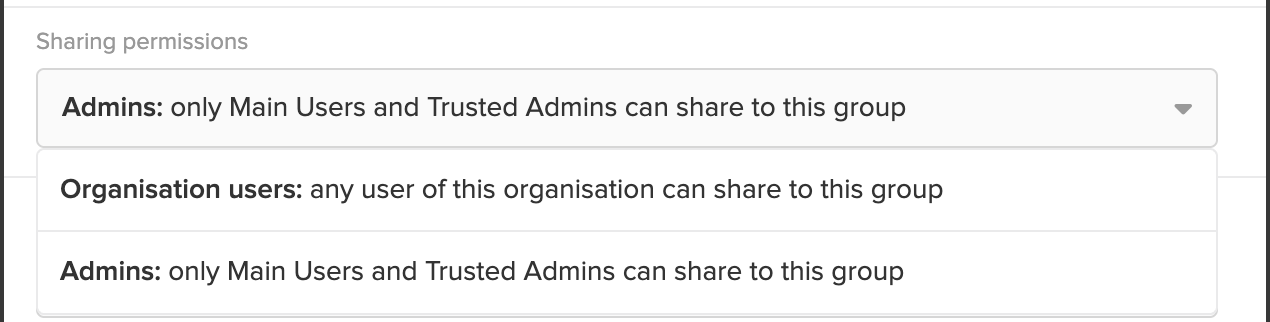
By default, only primary admins and trusted managers can share content with this group.
If you want to allow all organisation users to share with it, you can change the setting under **Sharing Permissions** by selecting **Organisation users**.
{% hint style="warning" %}
Due to the nature of this group, only the admins can manage sharing permissions and all users' email settings.
Each user can edit their own email settings independently.
{% endhint %}